What is a
Screen Time App?
Not every app locker just blocks. Some make you earn your way back in — trading a short logic puzzle for a few minutes of focus-free scrolling. Here's how the category works, and why the friction is the entire point.
min
Free Daily
Steps To Unlock
Battery Impact
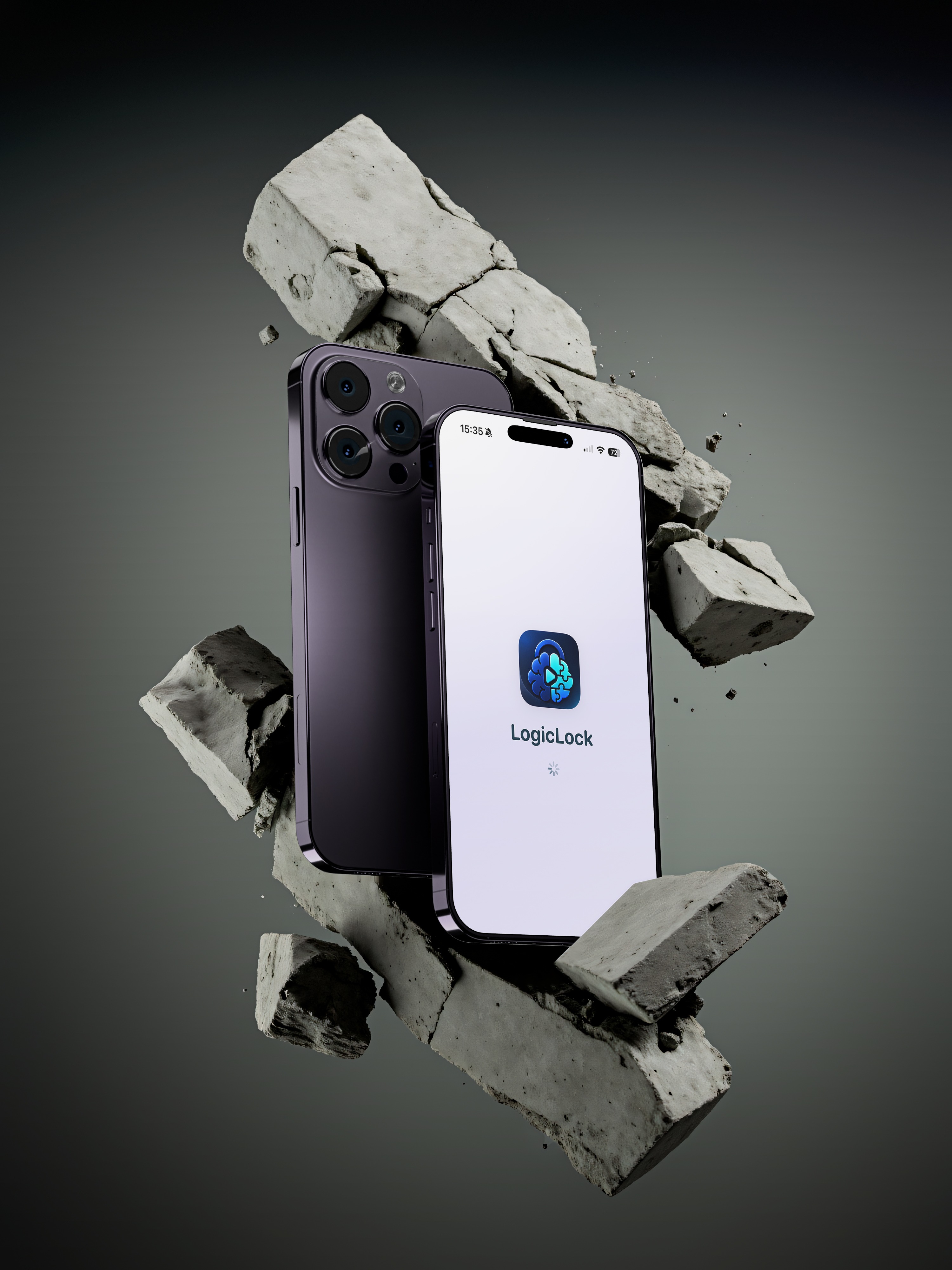
Screen time apps, defined
A screen time app, sometimes called an app locker, sits between you and the apps most likely to eat your day — social feeds, short-form video, messaging you check on autopilot. Instead of letting you tap and scroll without thinking, it interrupts that reflex with a condition: a countdown, a manual limit, or, in the case of puzzle-based lockers, a short logic challenge you have to solve first.
The goal isn't to ban anything outright. It's to add just enough friction that opening the app becomes a decision again, instead of a muscle-memory reflex you don't even notice happening.
Not All Friction Is Equal
The strength of a puzzle-based locker comes from adjustable difficulty. Tap a tier below to see how the whole experience — and this page's accent color — shifts with it.
How Puzzle-Based Locking Works
Four steps, from locked app to earned screen time.
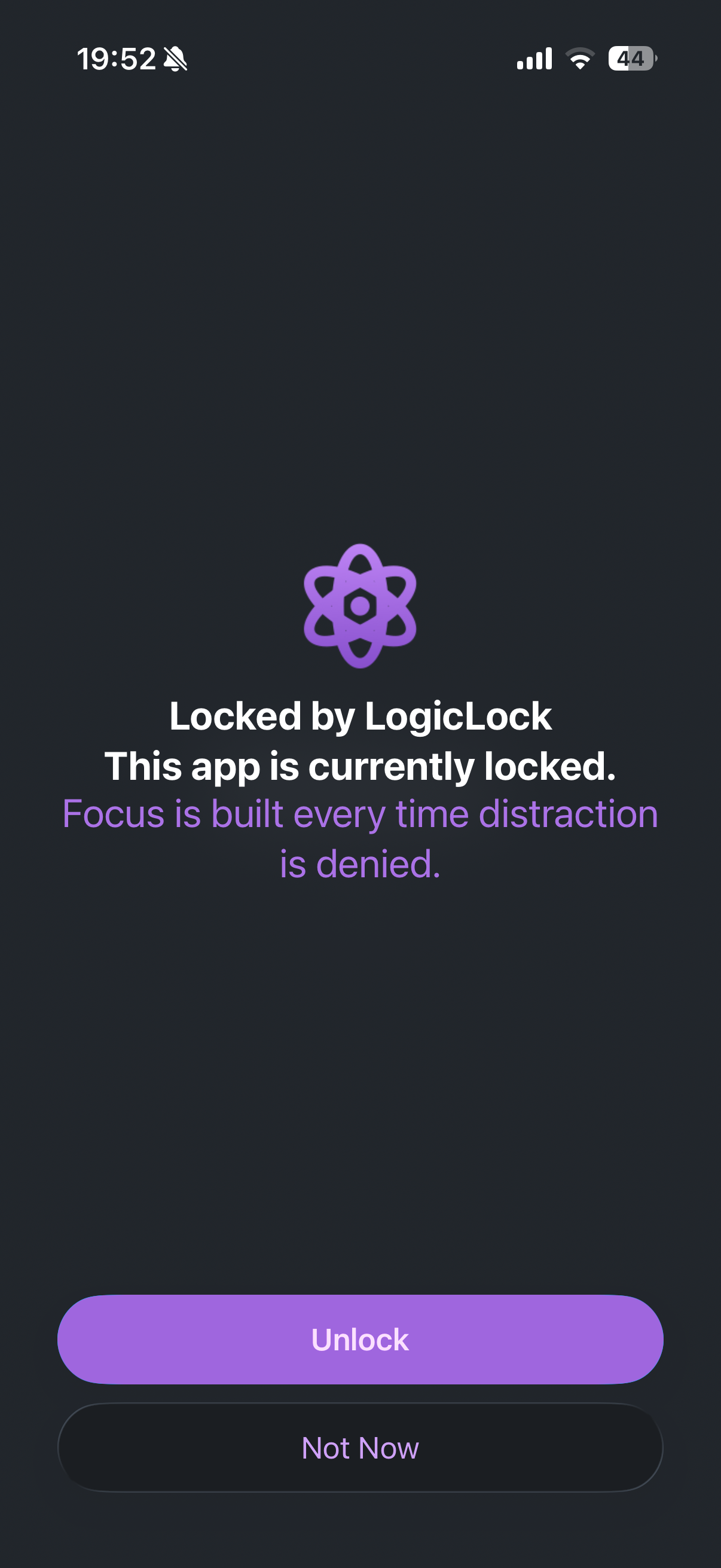
App Locked
You try to open a distracting app — the locker steps in first.
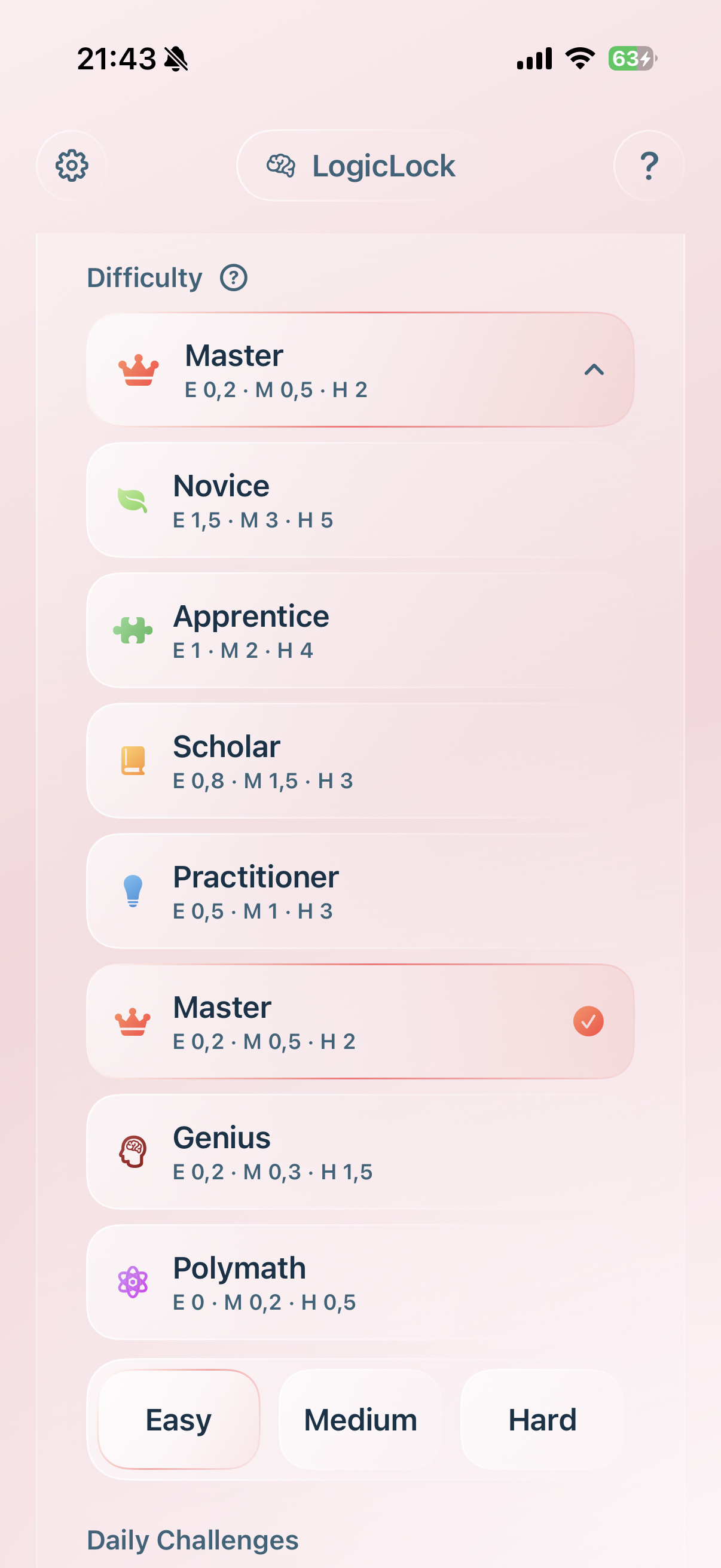
Choose Category
Pick a difficulty level and puzzle type that fits.
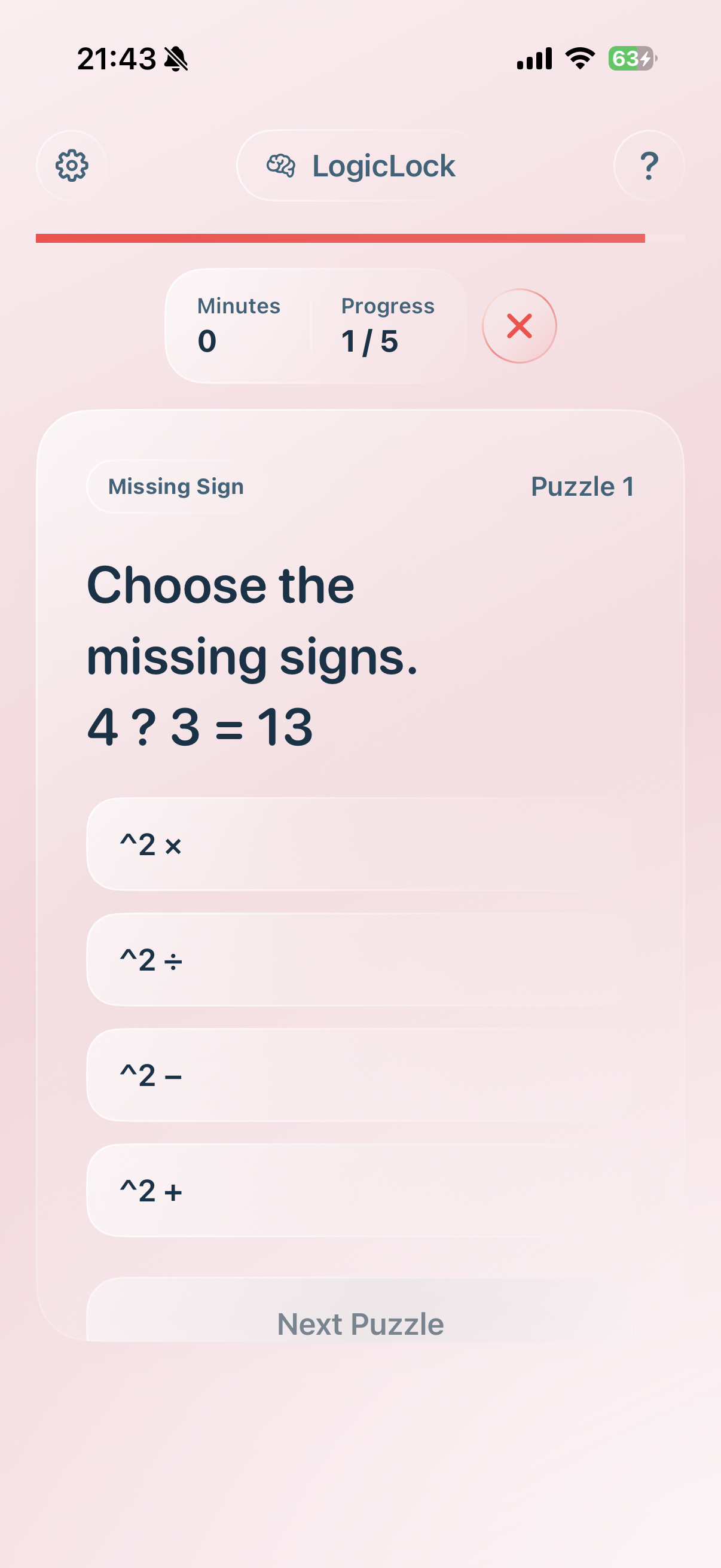
Solve a Puzzle
A short cognitive challenge engages your brain first.
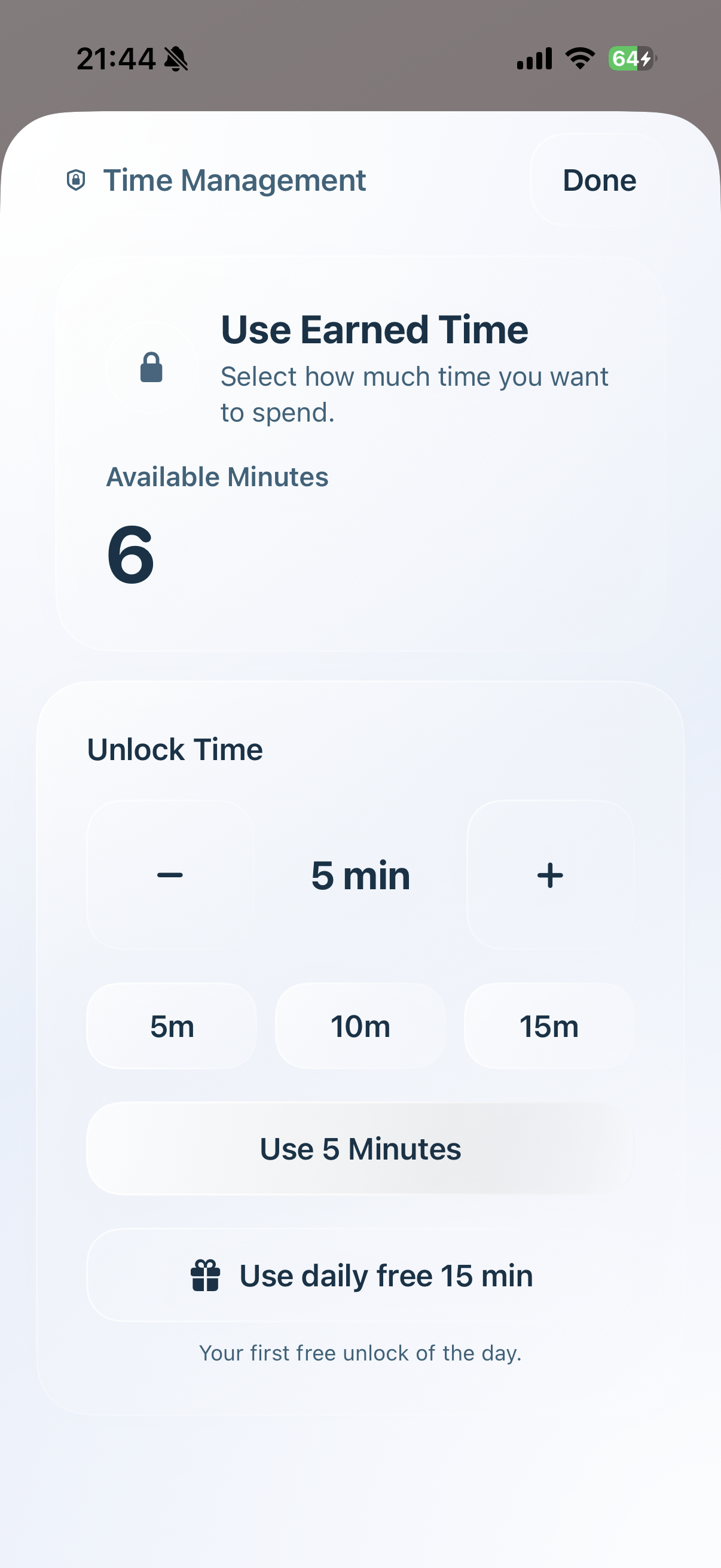
Unlock & Use
Spend the minutes you just earned, on your terms.
Screen Time Approaches, Compared
Timers, blockers, and puzzle-based lockers all reduce screen time differently.
| Approach | Easy to bypass | Builds awareness | Flexibility |
|---|---|---|---|
| Native screen time limits | Very easy | Low | Medium |
| Simple app blockers | Somewhat easy | Medium | Medium |
| Puzzle-based app lockers | Hard | High | High |
Why Friction Works
Dopamine Reset
Social apps trigger instant gratification. A logic puzzle interrupts that loop and forces a conscious decision instead of a reflex.
Granular Control
Lock heavy distraction channels like WhatsApp, YouTube, or TikTok — or leave the essentials open entirely.
Built-In Daily Free Time
A small pool of no-puzzle minutes each day, so quick check-ins never need solving anything first.
Frequently Asked
Does it drain my battery?
No. Native iOS frameworks make the impact practically zero, versus apps that constantly track usage in the background.
Can I lock specific apps?
Yes — you choose exactly which apps or entire categories, like Social or Games, require a puzzle.
What if I need urgent access?
A well-built locker always includes a one-tap manual override. It's meant to break bad habits, not lock you out when it matters.
Who Actually Benefits
Chronic Doomscrollers
People who open a feed before deciding to, and want a real pause inserted before the tap.
Students & Focus Seekers
Need distracting apps nearby, but not one tap away during study or deep work.
Remote Professionals
Workdays that quietly blur into scrolling breaks which become 40-minute detours.
Digital Minimalists
Want a lighter relationship with their phone, without deleting every app outright.